
DIY Virtual Reality: How to Set Up Your Own VR Space at Home
Transform your living space into a cutting-edge virtual playground with our comprehensive guide to DIY VR setup. Virtual Reality (VR) has...
Transform your living space into a cutting-edge virtual playground with our comprehensive guide to DIY VR setup.
Virtual Reality (VR) has transcended its niche origins, becoming a staple in modern entertainment, education, and even professional training. Imagine stepping into a world where your living room transforms into a sprawling battlefield, a serene underwater landscape, or a bustling cityscape—all from the comfort of your home. Setting up your own VR space might seem daunting, but with the right guidance, it can be an exhilarating and rewarding endeavor. This guide delves into the intricacies of creating a personalized VR environment, blending technical precision with creative flair to help you embark on your virtual journey.
Selecting the Right VR Equipment
Choosing the Headset
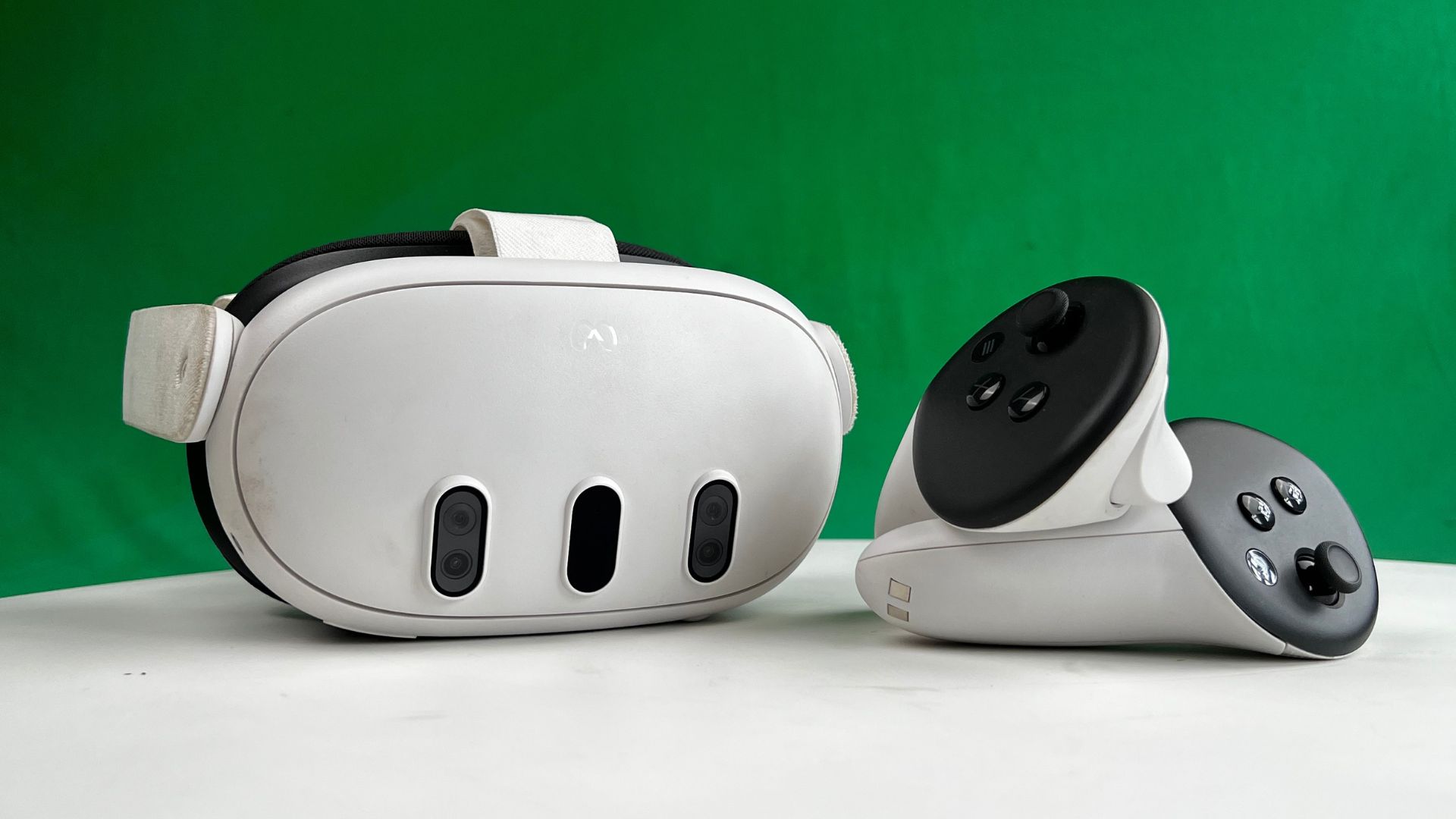
Embarking on a VR setup begins with selecting the cornerstone of your experience: the headset. The market offers a plethora of options, each boasting unique features tailored to different needs. For instance, the Oculus Quest 3 provides an all-in-one solution with wireless capabilities, ideal for those seeking simplicity without compromising on performance. Conversely, the Valve Index offers higher fidelity and a broader field of view, catering to enthusiasts who crave an immersive, high-definition experience. When choosing a headset, consider factors such as resolution, refresh rate, tracking accuracy, and comfort to ensure it aligns with your intended use and personal preferences.
The headset serves as the gateway to your virtual adventures, and its capabilities can significantly influence the overall experience. Advanced models incorporate eye-tracking technology and foveated rendering, enhancing realism by adjusting image quality based on where you look. Additionally, compatibility with various software and platforms is crucial, as it determines the breadth of content available to you. Investing in a headset that not only meets current standards but also offers scalability for future advancements ensures that your VR space remains cutting-edge and versatile.
Selecting Controllers and Accessories
Controllers are the primary interface between you and the virtual realm, translating your physical movements into digital actions. High-precision controllers, such as the HTC Vive controllers, offer intuitive gesture recognition and haptic feedback, allowing for more natural interactions within VR environments. Accessories like motion sensors and haptic gloves can further elevate the tactile experience, providing a heightened sense of presence and immersion. When selecting controllers, prioritize ergonomics and responsiveness to facilitate seamless navigation and interaction within your VR space.
Beyond controllers, a myriad of accessories can enhance your VR setup. VR treadmills, for instance, enable unrestricted movement, allowing you to explore vast virtual landscapes without physical constraints. Specialized mounts and stands ensure that your equipment remains secure and accessible, while cable management systems can prevent tangling and maintain an organized environment. Additionally, audio peripherals like spatial sound headphones amplify the immersive experience by delivering directional audio cues, making every virtual encounter more lifelike and engaging.
Picking the Right Computer or Console
The backbone of your VR setup lies in the computing power that drives it. High-performance PCs equipped with robust GPUs, ample RAM, and fast processors are essential for rendering detailed virtual environments and ensuring smooth, lag-free performance. For console-based VR systems, ensuring compatibility with the latest consoles, such as the PlayStation 5, can unlock a vast array of exclusive titles and experiences. Balancing your budget with the technical specifications required for your desired VR applications is key to building a system that can handle the demands of immersive virtual environments.
Optimizing your computer or console setup involves more than just raw power. Efficient cooling systems are imperative to prevent overheating during extended VR sessions, while reliable power supplies ensure consistent performance without interruptions. Storage solutions, such as SSDs, facilitate quick loading times and seamless transitions between applications, enhancing the overall user experience. Additionally, maintaining up-to-date drivers and firmware is crucial for compatibility and performance, ensuring that your VR system remains responsive and capable of handling the latest advancements in virtual technology.
Optimizing Your Physical Space
Allocating Sufficient Space
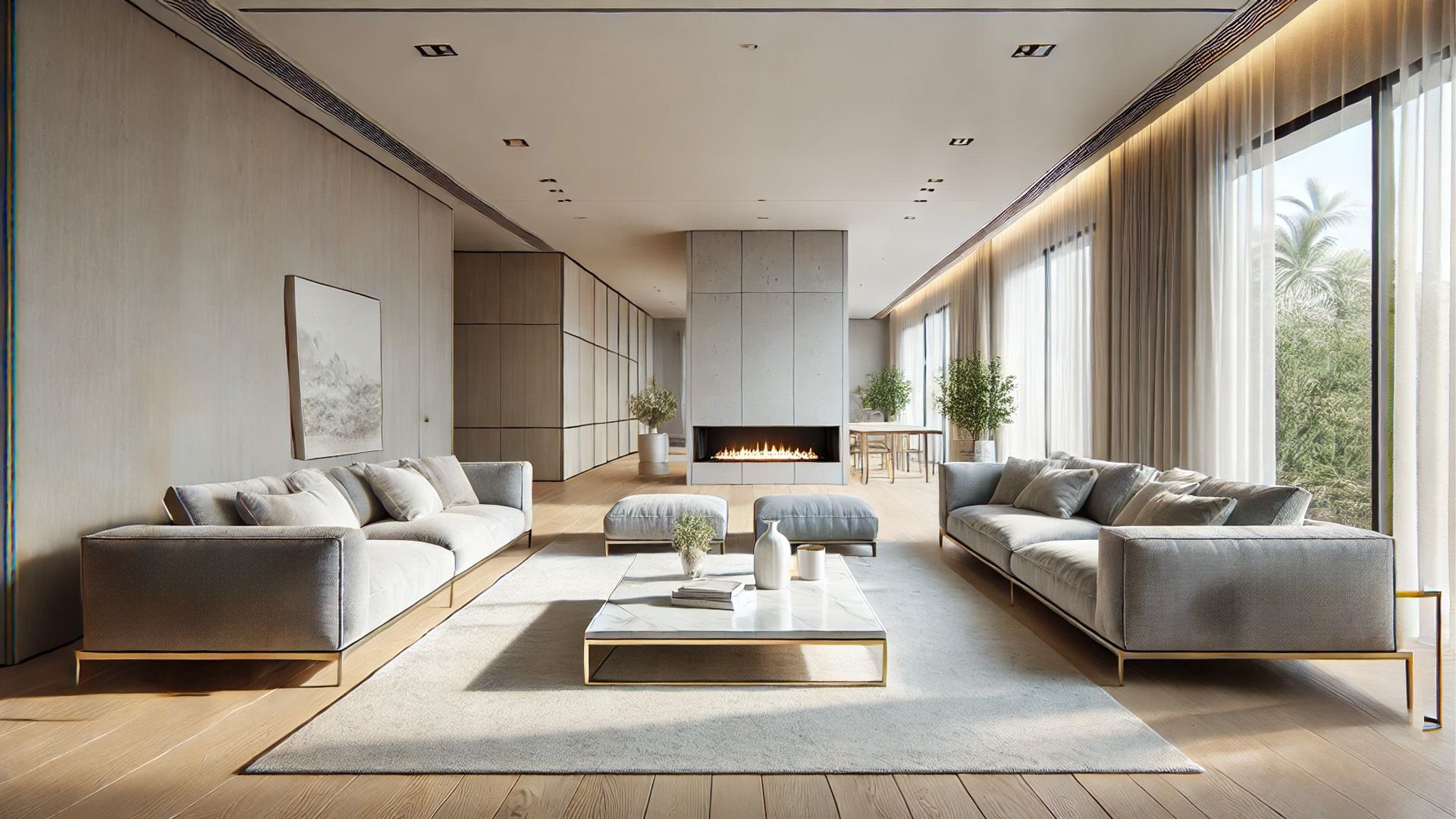
Creating a functional VR space necessitates careful consideration of your physical environment. Allocating ample space is paramount to prevent accidents and allow for unhindered movement within virtual settings. A dedicated area of at least six to eight feet in each dimension provides a safe perimeter for active gameplay and exploration. Clearing the space of obstacles such as furniture, fragile items, and tripping hazards ensures a secure and comfortable environment, minimizing the risk of injury during immersive VR sessions.
In addition to size, the layout of your VR space plays a critical role in enhancing your experience. Positioning your setup in a well-lit area with ample ventilation can improve visibility and comfort, reducing eye strain and heat buildup during prolonged use. Incorporating soft flooring materials, like carpets or mats, can provide cushioning and reduce noise, contributing to a more serene and inviting atmosphere. Thoughtful spatial arrangement, including designated zones for different activities, can further streamline your VR experience, allowing for seamless transitions between gaming, virtual meetings, and creative endeavors.
Managing Cable Clutter
Cable management is an often-overlooked aspect of setting up a VR space, yet it significantly impacts both aesthetics and functionality. Tangled wires can disrupt the immersive experience, posing tripping hazards and detracting from the overall ambiance of your VR environment. Employing cable organizers, such as clips, sleeves, and trays, can systematically conceal and secure cables, maintaining a clean and organized appearance. Wireless VR systems are also an option, eliminating the need for cumbersome cables and offering greater freedom of movement within your virtual space.
Effective cable management extends beyond mere tidiness; it ensures that your equipment remains connected and operational without interference. Routing cables along walls or ceilings using adhesive channels or conduits keeps them out of sight and reduces the likelihood of accidental disconnections. Labeling each cable can simplify troubleshooting and maintenance, allowing for quick identification and organization. Additionally, incorporating surge protectors and power strips safeguards your devices from electrical fluctuations, enhancing the longevity and reliability of your VR setup.
Enhancing Ambient Lighting
Ambient lighting plays a pivotal role in shaping the ambiance of your VR space, influencing both your comfort and the visual fidelity of your virtual experiences. Soft, adjustable lighting can reduce eye strain and create a conducive environment for prolonged VR sessions, while strategically placed LED strips or smart bulbs can add a touch of sophistication and customization. Integrating dynamic lighting systems that synchronize with your VR activities can amplify immersion, with colors and intensities shifting in response to in-game events or virtual landscapes.
Beyond aesthetics, proper lighting can enhance the functionality of your VR setup. Adequate illumination ensures that external elements, such as tracking sensors and cameras, operate effectively, maintaining accurate motion detection and system performance. Minimizing glare and reflections on surfaces can prevent visual distractions and enhance the clarity of your virtual display. Additionally, incorporating blackout curtains or blinds can control natural light influx, maintaining consistent lighting conditions and preventing unwanted interference during your VR adventures.
Ensuring Optimal Performance and Connectivity
Securing a Robust Internet Connection
A stable and high-speed internet connection is indispensable for a seamless VR experience, particularly for online multiplayer games, streaming content, and software updates. Ensuring a robust connection minimizes latency, reducing lag and preventing interruptions that can disrupt immersion and gameplay. Opting for wired Ethernet connections over wireless alternatives can provide more reliable and faster data transfer rates, essential for high-definition streaming and real-time interactions within virtual environments.
In scenarios where wired connections are impractical, investing in high-quality Wi-Fi routers with advanced standards like Wi-Fi 6 can enhance signal strength and coverage, supporting multiple devices without compromising performance. Implementing network extenders or mesh systems can further bolster connectivity, ensuring that your VR space remains well-connected regardless of its location within your home. Regularly updating your network hardware and firmware can also optimize performance, addressing potential bottlenecks and maintaining a stable foundation for your virtual endeavors.
Optimizing System Settings
Fine-tuning your computer or console settings is crucial for maximizing the performance and responsiveness of your VR setup. Adjusting graphics settings, such as resolution, frame rate, and anti-aliasing, can strike a balance between visual fidelity and system performance, ensuring smooth and immersive experiences without overburdening your hardware. Enabling performance-enhancing features like asynchronous reprojection and motion smoothing can mitigate latency issues, enhancing the fluidity of motion and reducing the risk of motion sickness.
Additionally, configuring power management settings to prioritize performance over energy efficiency can prevent unexpected slowdowns during intensive VR sessions. Regularly monitoring system resources using performance analytics tools allows you to identify and address potential bottlenecks, ensuring that your setup operates at peak efficiency. Customizing control panel settings, such as display scaling and input responsiveness, can further refine your VR experience, tailoring it to your specific preferences and enhancing overall comfort and usability.
Implementing Latency Reduction Techniques
Latency, the delay between a user's action and the system's response, can significantly impact the immersive quality of VR experiences. Minimizing latency is paramount to maintaining a sense of presence and preventing discomfort or motion sickness. Implementing techniques such as frame rate optimization, where the system consistently delivers high frame rates, ensures smooth and responsive interactions within virtual environments. Utilizing low-latency display technologies, like OLED panels with fast refresh rates, can further reduce delays, enhancing the immediacy of your VR engagements.
Network optimization strategies, such as Quality of Service (QoS) settings, can prioritize VR-related traffic, ensuring that critical data packets are transmitted promptly and reliably. Reducing background processes and minimizing system resource usage can also contribute to lower latency, as the system can dedicate more processing power to handling real-time VR tasks. Additionally, investing in high-quality cables and connectors can prevent signal degradation, maintaining the integrity and speed of data transmission essential for a fluid and immersive VR experience.
Customizing Your VR Experience
Curating Virtual Content
A personalized VR space is incomplete without a carefully curated selection of virtual content that aligns with your interests and objectives. Exploring diverse genres, from immersive gaming and interactive storytelling to virtual travel and educational simulations, can enrich your VR library and keep experiences fresh and engaging. Platforms like SteamVR, Oculus Store, and PlayStation VR offer extensive catalogs, enabling you to discover and download a wide array of applications tailored to your preferences. Regularly updating and expanding your content collection ensures that your VR space remains dynamic and versatile, catering to evolving tastes and aspirations.
Beyond pre-packaged content, creating or customizing your own virtual environments can add a unique and personal touch to your VR experience. Tools and software like Unity and Unreal Engine provide robust platforms for designing bespoke virtual worlds, allowing you to craft environments that resonate with your creative vision. Engaging with VR communities and forums can offer inspiration and resources, fostering collaboration and knowledge sharing among enthusiasts. By curating a diverse and personalized virtual library, you can transform your VR space into a versatile hub for entertainment, education, and creative expression.
Integrating Smart Home Devices
Integrating smart home devices into your VR setup can enhance both functionality and convenience, creating a more seamless and interconnected virtual environment. Smart lighting systems, such as Philips Hue or LIFX, can be programmed to synchronize with your VR activities, adjusting colors and intensities to match the ambiance of your virtual experiences. Voice-activated assistants like Amazon Alexa or Google Assistant can facilitate hands-free control of your VR setup, allowing you to navigate menus, launch applications, and adjust settings without interrupting your immersion.
Moreover, integrating smart thermostats and environmental controls can optimize the physical comfort of your VR space, maintaining ideal temperature and air quality levels during extended sessions. Smart plugs and switches can automate the power management of your VR equipment, ensuring that devices are powered on or off in tandem with your usage patterns. By leveraging the capabilities of smart home technology, you can create a cohesive and intuitive VR environment that enhances both your virtual and physical living spaces.
Personalizing Interface and Controls
Tailoring the interface and controls of your VR setup to suit your personal preferences can significantly enhance usability and comfort. Customizing controller mappings and input schemes allows you to optimize interactions within virtual environments, ensuring that controls are intuitive and aligned with your natural movements. Software tools and in-app settings provide options to adjust sensitivity, button assignments, and gesture recognition, enabling a more personalized and efficient navigation experience.
Additionally, modifying the virtual interface elements, such as HUDs (Heads-Up Displays) and menu layouts, can improve accessibility and streamline interactions within your VR space. Incorporating personalized avatars and customizable virtual environments can further deepen your sense of identity and presence within the virtual realm, fostering a more immersive and engaging experience. By fine-tuning both the physical controls and the virtual interface, you can create a VR setup that is not only functional but also uniquely tailored to your individual needs and preferences.
Frequently Asked Questions
What equipment do I need to set up a VR space at home?
To set up a VR space at home, you need a VR headset, compatible controllers, and a powerful computer or console. Additionally, ensure you have sufficient physical space, a stable internet connection, and accessories like cable management tools and ambient lighting to enhance your experience.
Can I use VR in a small room?
Yes, you can use VR in a small room by optimizing the available space. Clear the area of obstacles, use wireless equipment if possible, and consider seated or stationary VR experiences. Proper setup and safety precautions can make VR enjoyable even in limited spaces.
How much does a home VR setup cost?
The cost of a home VR setup varies based on the equipment and accessories you choose. A basic setup can start around $300 for entry-level headsets, while high-end systems with advanced features can exceed $1,000. Additional costs may include controllers, sensors, and a compatible PC or console.
Is VR safe to use for extended periods?
Using VR for extended periods can cause eye strain, motion sickness, and physical fatigue. It is recommended to take regular breaks, maintain proper hydration, and ensure your VR space is ergonomically arranged to minimize discomfort and reduce the risk of injury during prolonged use.
What are the best VR games for beginners?
Some of the best VR games for beginners include "Beat Saber," "Superhot VR," "Job Simulator," and "Minecraft VR." These games offer intuitive controls, engaging gameplay, and immersive environments that are ideal for newcomers to the VR experience.
Author: Gerald Ferreira
Backed by 25+ years of VR and AR innovation in Johannesburg, sharing practical insights on immersive tech, real-world applications, and industry news across South Africa.